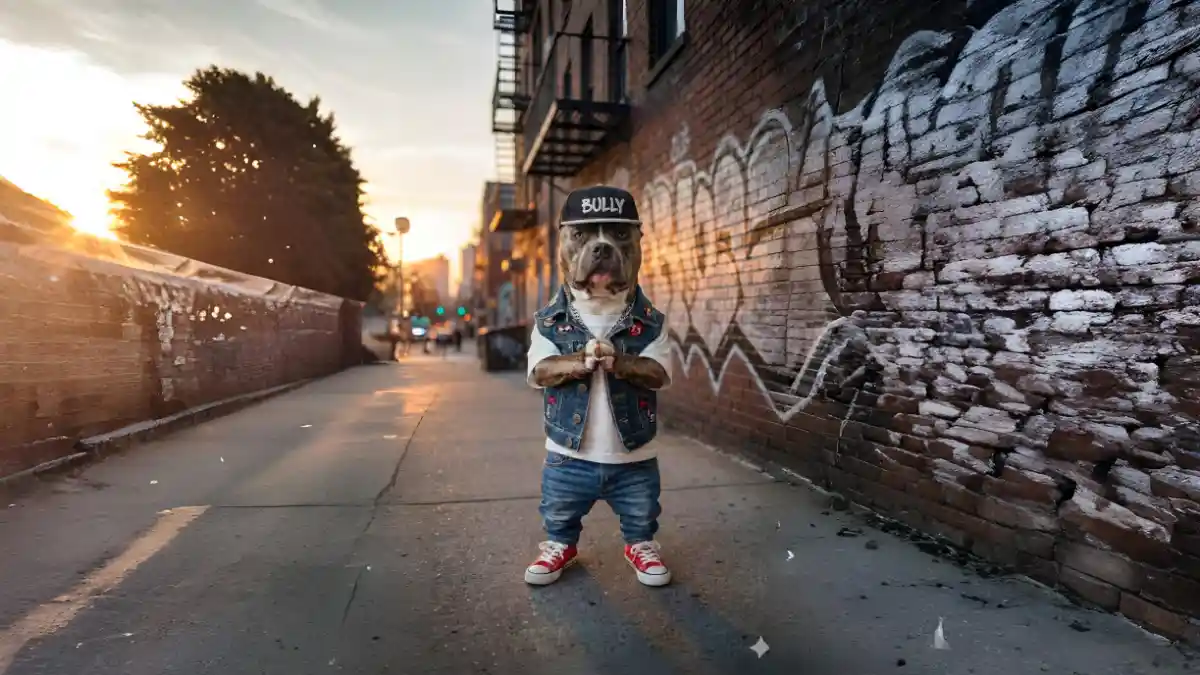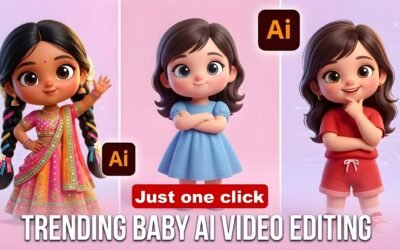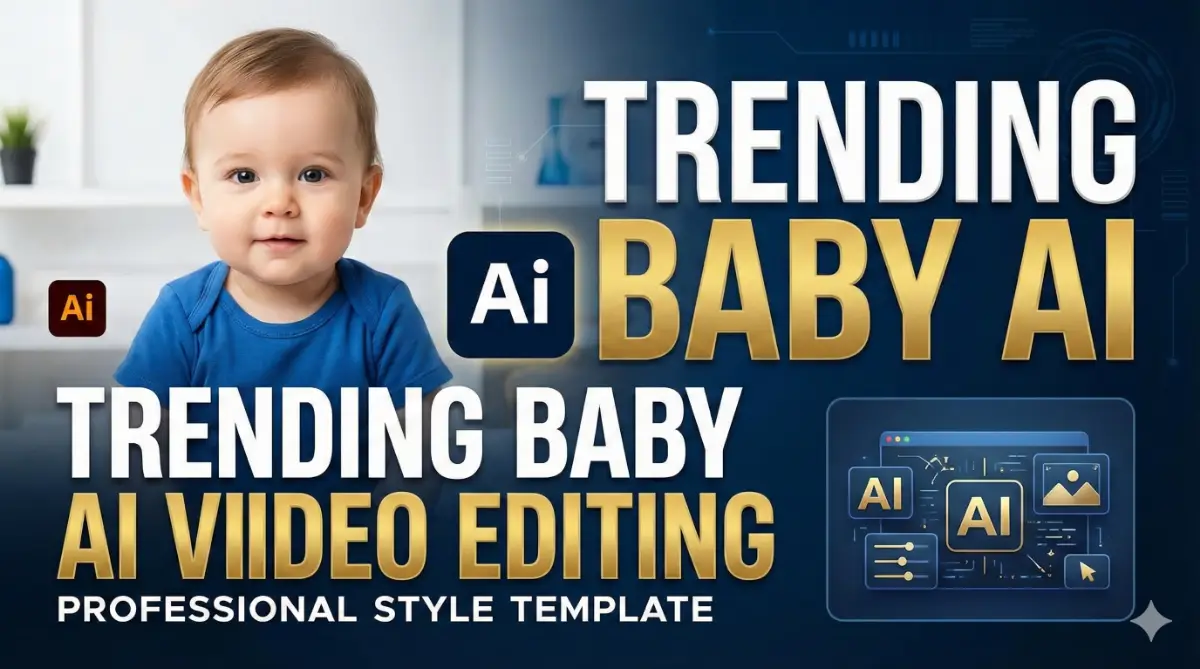
If you scroll through Instagram Reels or YouTube Shorts, you’ve definitely seen them: adorable babies dancing like Michael Jackson, performing hip-hop moves, or acting like funny little bosses.
Here is the secret: These videos are not real. They are created using advanced AI Video Generators.
In 2025, AI tools like Kling AI and Pixverse have made it incredibly easy to turn a static photo into a realistic, moving video. Whether you want to boost your social media engagement or just make funny content, this guide covers everything you need to know.
What is a Baby AI Video?
A Baby AI Video is created using Image-to-Video technology. Artificial Intelligence analyzes a still photo of a baby and applies “Motion Data” from a reference video (like a dance clip) to the photo.
With just one photo, you can:
- Make a baby dance perfectly (Hip-hop, Salsa, MJ Style).
- Create funny facial expressions.
- Place the baby in any background (Space, Stage, Party).
Top 3 Best Apps for Baby AI Videos (2025)
1. Kling AI (Best for Realistic Motion)
Kling is currently the market leader for Motion Control. It allows you to upload a “Reference Video” (e.g., a dancer), and the AI forces the baby photo to copy those exact moves.
- Pros: Extremely realistic, handles complex dance moves well.
- Cons: Longer generation time.
2. Pixverse AI (Easiest for Beginners)
Pixverse is perfect if you want one-click results. It has built-in templates like “Baby Dance” so you don’t need to find reference videos.
- Pros: Fast, free daily credits, easy interface.
- Cons: Less control over specific moves compared to Kling.
3. Runway Gen-2 (For Cinematic Quality)
Used by professional editors for high-quality, cinematic textures.
- Pros: High resolution (4K options).
- Cons: Paid plans are expensive.
Step-by-Step Guide: How to Create AI Baby Videos
Method 1: The “One-Click” Way (Using Pixverse)
Best for beginners who want quick content.
- Download the Pixverse app or go to their website.
- Select the “Magic Brush” or “Character Animation” tool.
- Upload a clear, front-facing photo of a baby.
- Select a preset action (e.g., “Dance,” “Running,” “Laughing”).
- Set the Aspect Ratio to 9:16 (Perfect for Reels/Shorts).
- Click Generate and wait 2 minutes.
Method 2: The Professional Way (Using Kling AI Motion Control)
Best for viral content with specific dance steps (MJ, Breakdance, etc.).
This uses the “Driving Video” feature to clone movements.
- Open Kling AI: Go to the Kling AI web platform or app.
- Select Feature: Choose “Image to Video”.
- Upload Image: Upload your high-quality baby photo in the image slot.
- Upload Reference: Scroll down to the “Driving Video” (or Control Mode) section. Upload a video of a person dancing (e.g., a TikTok dance trend).
- Settings:
- Creativity Strength: Set to 0.5.
- Motion Strength: Set to 0.6 for stable movement.
- Aspect Ratio: Select 9:16.
- Prompt: Describe the scene (e.g., “Baby dancing on a neon stage, realistic lighting, 4k”).
- Generate: Click create. The AI will make the baby copy the dancer’s moves perfectly!
Best Prompts for High-Quality Results
The prompt tells the AI how the video should look (lighting, background, mood). Copy-paste these:
- The MJ Style:“A cute baby doing a moonwalk on a spotlight stage, shiny jacket, cinematic lighting, photorealistic, 8k, slow motion.”
- The Party Vibe:“Adorable toddler dancing happily in a room full of balloons and confetti, bright sunshine lighting, Disney style animation, 4k.”
- The Cool Boss:“Baby wearing a small suit and sunglasses walking in a modern office, confident swag walk, realistic texture, high detail.”
5 Viral Content Ideas for Reels & Shorts
To go viral, you need a “Hook.” Try these concepts:
- “Then vs. Now”: Show a normal baby photo, then the AI video of them breakdancing.
- Trending Audio: Use the top trending song on Instagram and make the baby dance to that specific beat using Kling AI.
- Cultural Twist: Baby dancing in traditional outfits (Saree, Kurta) to Bollywood songs.
- The “Impossible” Move: A baby doing a backflip or heavy weightlifting (using AI).
- Reaction Videos: “My mom’s reaction to my baby dancing” (Fake but funny).
Frequently Asked Questions (FAQ)
Q1: Is Kling AI free?
Yes, Kling AI offers free daily credits (approx. 66 credits) which renew every day.
Q2: How do I remove the watermark?
You can crop it out using editing apps like CapCut or InShot, or upgrade to the premium version of the AI tool.
Q3: Can I monetize these videos?
Yes! As long as the content is original and you follow the platform’s guidelines, you can earn from YouTube Shorts Fund and Instagram Bonuses.
⚠️ Important Disclaimer
AI technology should be used responsibly. Always ensure you have permission to use the photos of any child. Do not create offensive, dangerous, or misleading content involving minors. Respect privacy laws and platform guidelines.